Blur detection
Missed focus and motion blur are flagged before you ever see them, judged across the whole frame, not just the middle.
Built by photographers, for photographers
ImageSortPro looks at every frame from your shoot, sets aside the blurry ones, the blinks and the near-duplicates, and puts your best shots in a Final folder. One click, a few minutes, and you're editing instead of sorting.
Runs entirely on your computer. No upload, no internet needed, and your photos never leave your drive.
Made for every kind of shoot



Why we built it
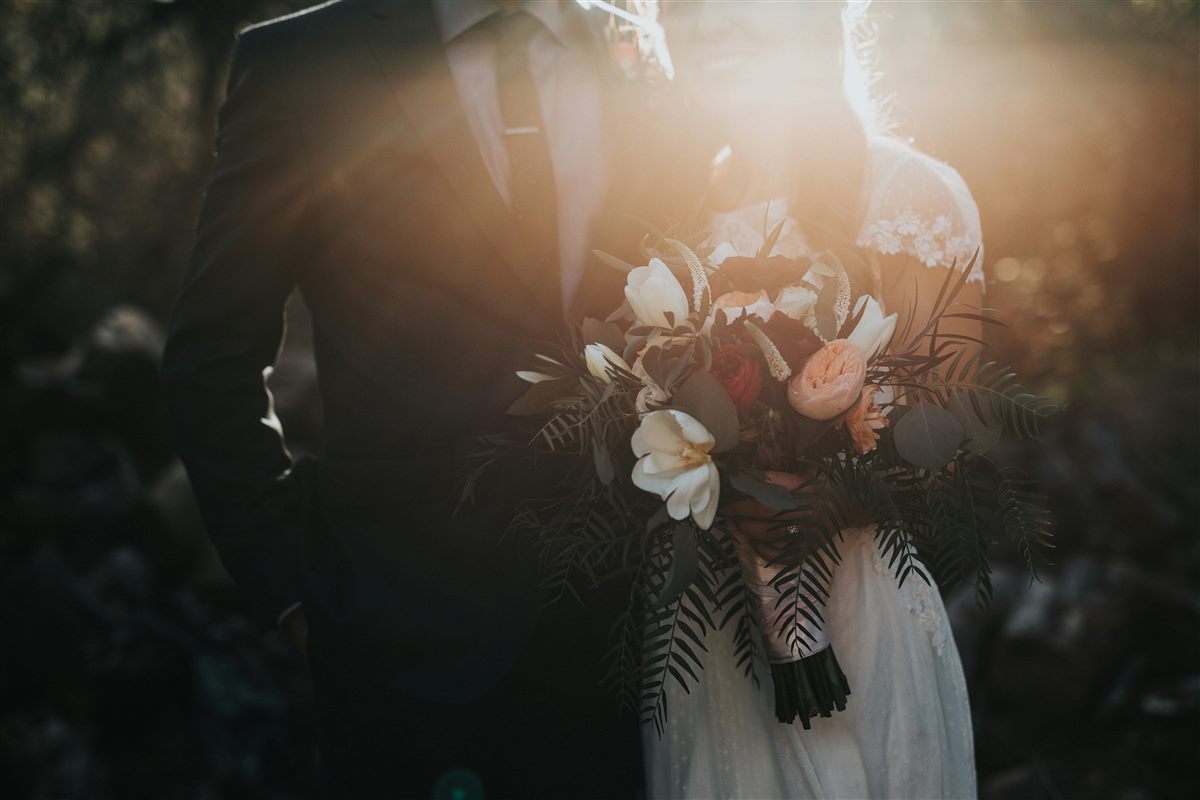
We shoot school events, races and family sessions, and every shoot ended the same way: a Sunday night spent clicking through two thousand frames to find the three hundred worth keeping. ImageSortPro is the tool we wanted for that night. It works the way a photographer culls, it never touches your originals, and it doesn't need the cloud.
Built by photographers, for photographers.
How it works
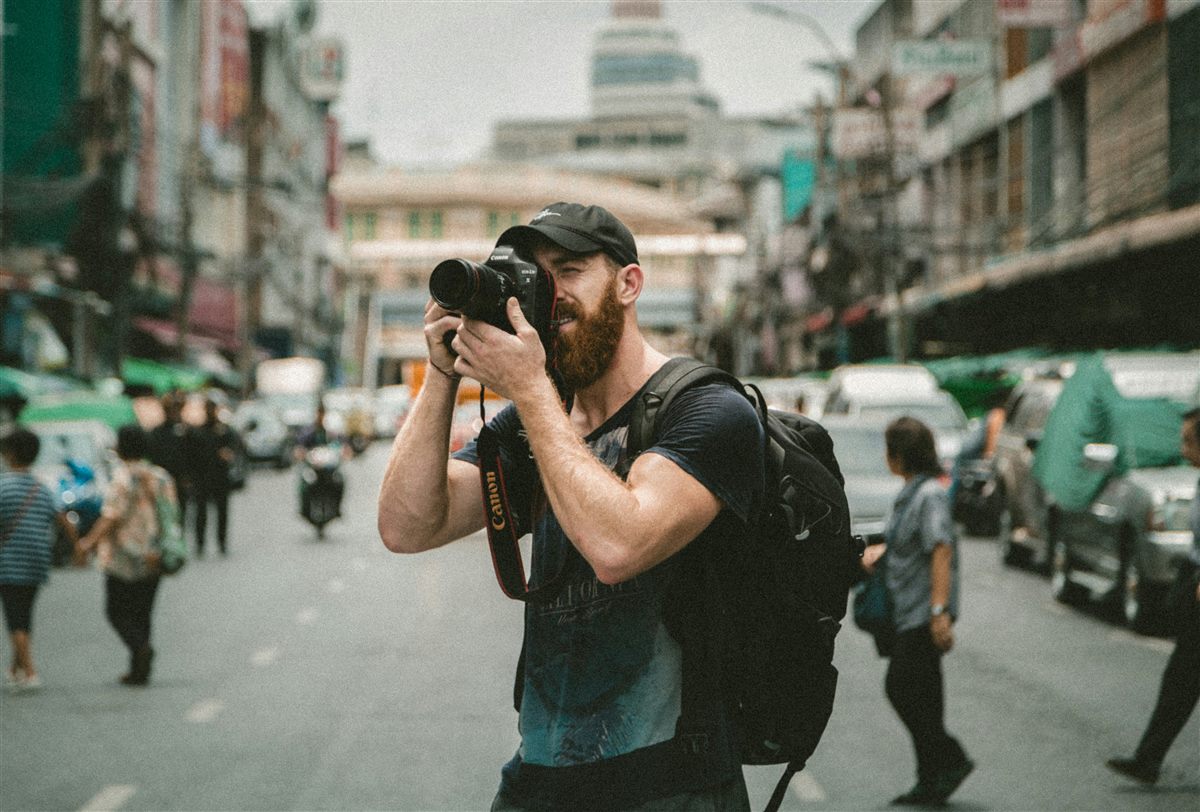
Point it at the folder from your card. Camera RAW, JPEG and iPhone or Android photos all work, and nothing gets moved yet.
It scores sharpness, checks faces for closed eyes, and groups bursts of near-identical shots. It uses all your processor cores, so a big wedding or race day goes quickly.
Flip through with the arrow keys. Agree with a pick or change it with one key. Compare any frame side by side with the best of its burst.
Keepers land in a Final folder, cropped and lightly corrected if you want. Rejects go in their own folder, so nothing is ever deleted.
Features
Culling is the part nobody gets paid for. These are the checks you'd do by eye, done for you in the background.
Missed focus and motion blur are flagged before you ever see them, judged across the whole frame, not just the middle.
Finds the faces in each shot and flags the ones where someone blinked. Great for group photos and portraits.
Ten frames of the same moment become one group with the best frame on top. Keep the winner, reject the rest with one key.
Crops keepers around the people in them and levels tilted horizons, so heads stay in the frame and nobody gets chopped at the edge.
Gentle, automatic touch-ups to brightness and white balance, so your Final folder is ready to share or hand off.
No account, no cloud, no upload limits. Work from a laptop at the venue with no Wi-Fi, and keep client photos on your own drive.
Keyboard first
Every decision is one key. Previews load ahead of you, so flipping through a few thousand frames feels instant.
Pricing
One price, one time. You get every feature and every update. No subscription, no catch. Have a promo code? Enter it before you check out.
The whole job, card to Final folder
$4.99one-time
Buy for $4.99Cull
Edit
Retouch and looks
Always
Price in US dollars; sales tax or VAT is added at checkout where it applies.
Download
Buy once and your receipt email brings the download link and your license key. Unzip, double-click the installer for your computer, and it sets everything up and opens the app.
Download link arrives with your receipt
Download link arrives with your receipt
Phone app coming soon
The free companion app for iPhone and Android finds duplicate and near-duplicate photos, keeps the best copy of each, and clears the rest. It works offline, and deleted photos go to your phone's Recently Deleted folder for 30 days.
Questions
No. Rejected photos are moved into a Rejects folder next to your keepers, and you can switch the app to copy files instead of moving them. Press U on any photo to put it back where it started.
Only once, to activate your license key after you buy. Culling, cropping and fixes all run on your own computer, and your photos are never uploaded anywhere.
JPEG files from any camera, plus RAW files from the major camera brands, including Canon, Nikon, Sony and Fujifilm. Phone photos work too: iPhone HEIC, JPEG and ProRAW DNG files, and Android JPEG, HEIC, WebP and DNG files. Your Final folder is saved as JPEG with the original date and camera details kept.
No catch. It's a small app that runs on your own computer, so there are no cloud servers to pay for. You pay $4.99 once and keep it, with every update included.
No, it works before Lightroom or any editor you use. It does the first sort so you only import the frames worth editing.